 v3.3Free for Chrome and Edge
Your new tab,
finally useful.
Your tools, tabs, focus timer and to-dos on one calm screen. Private by design, and yours to customize.
- 93 KB download
- 0 accounts
- 0 trackers
- Works offline
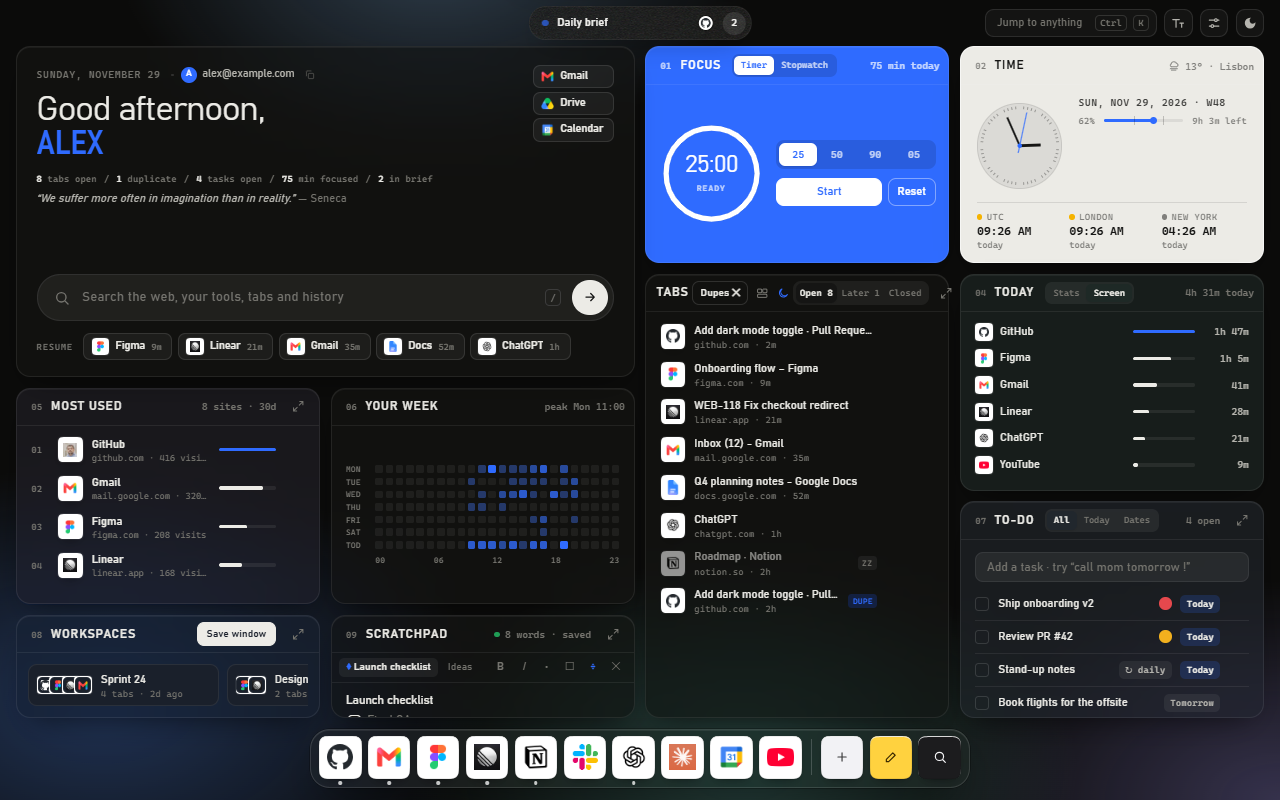
 New Tab
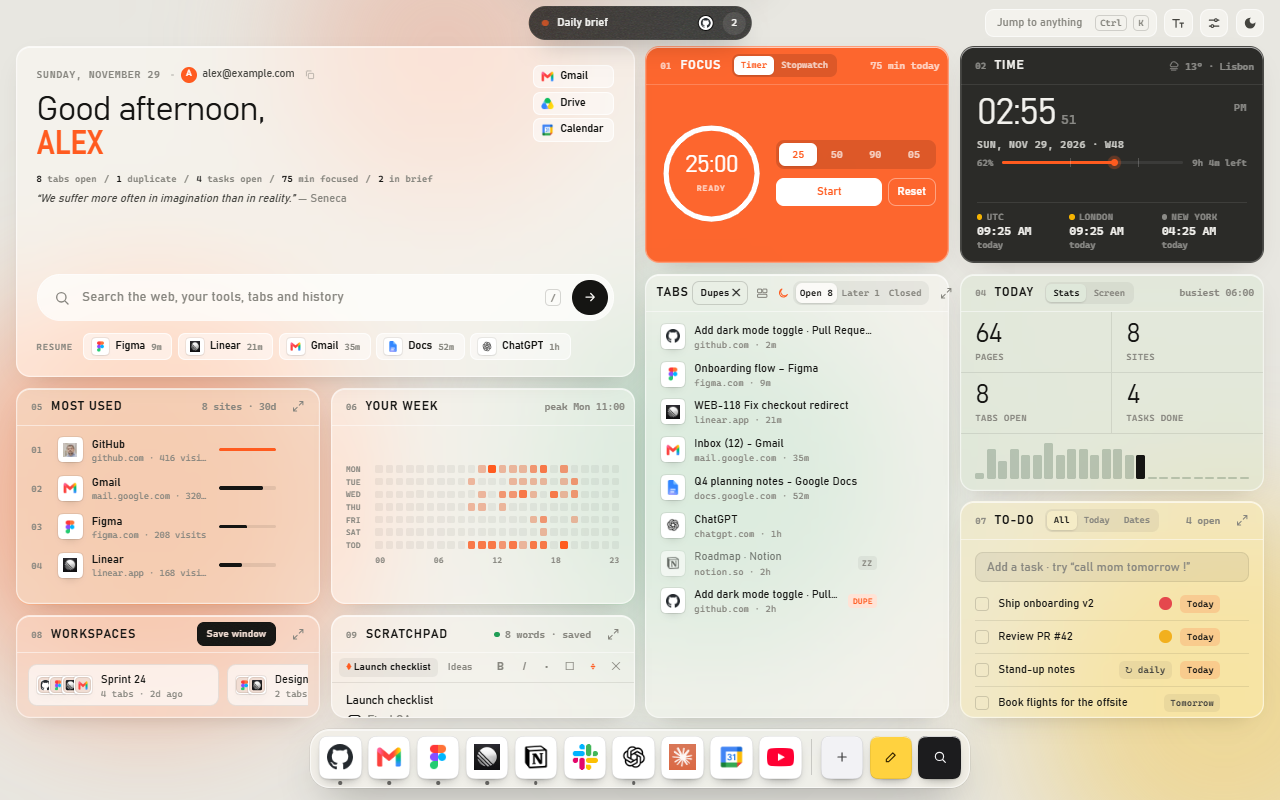
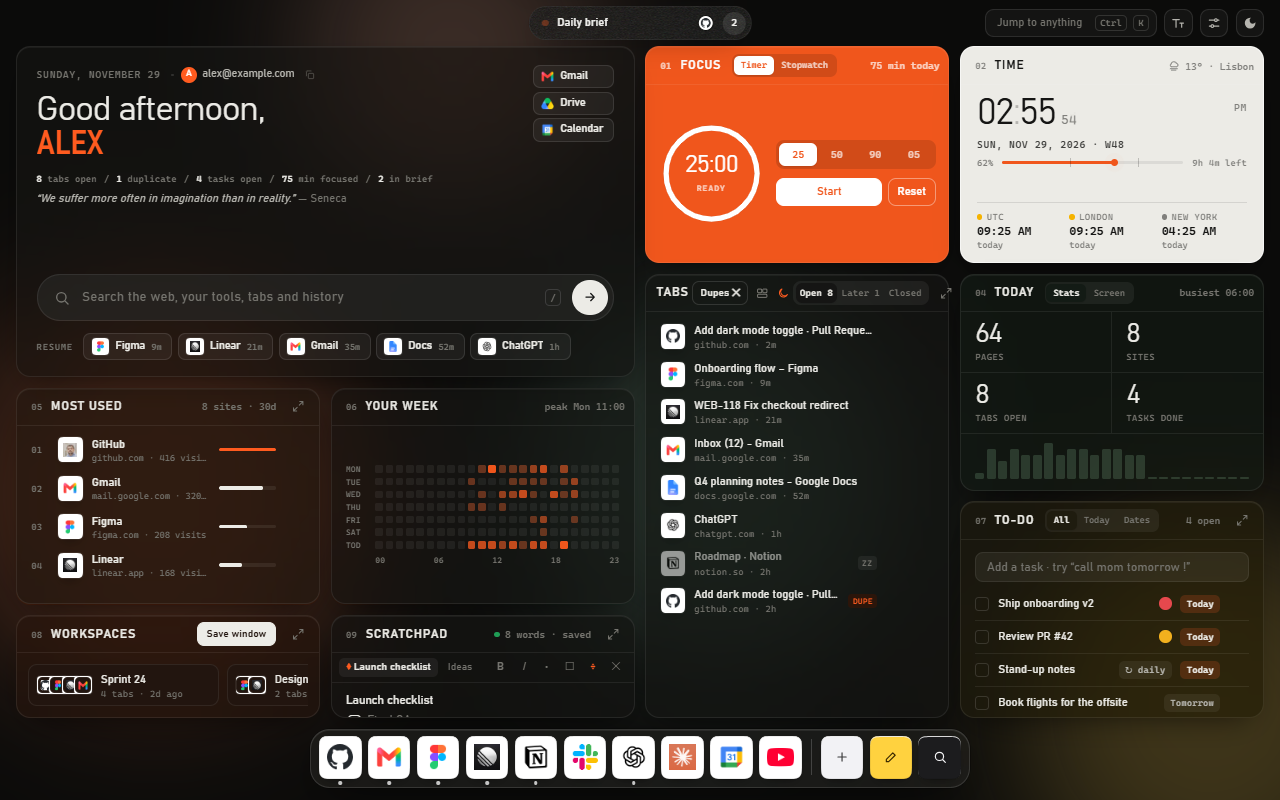
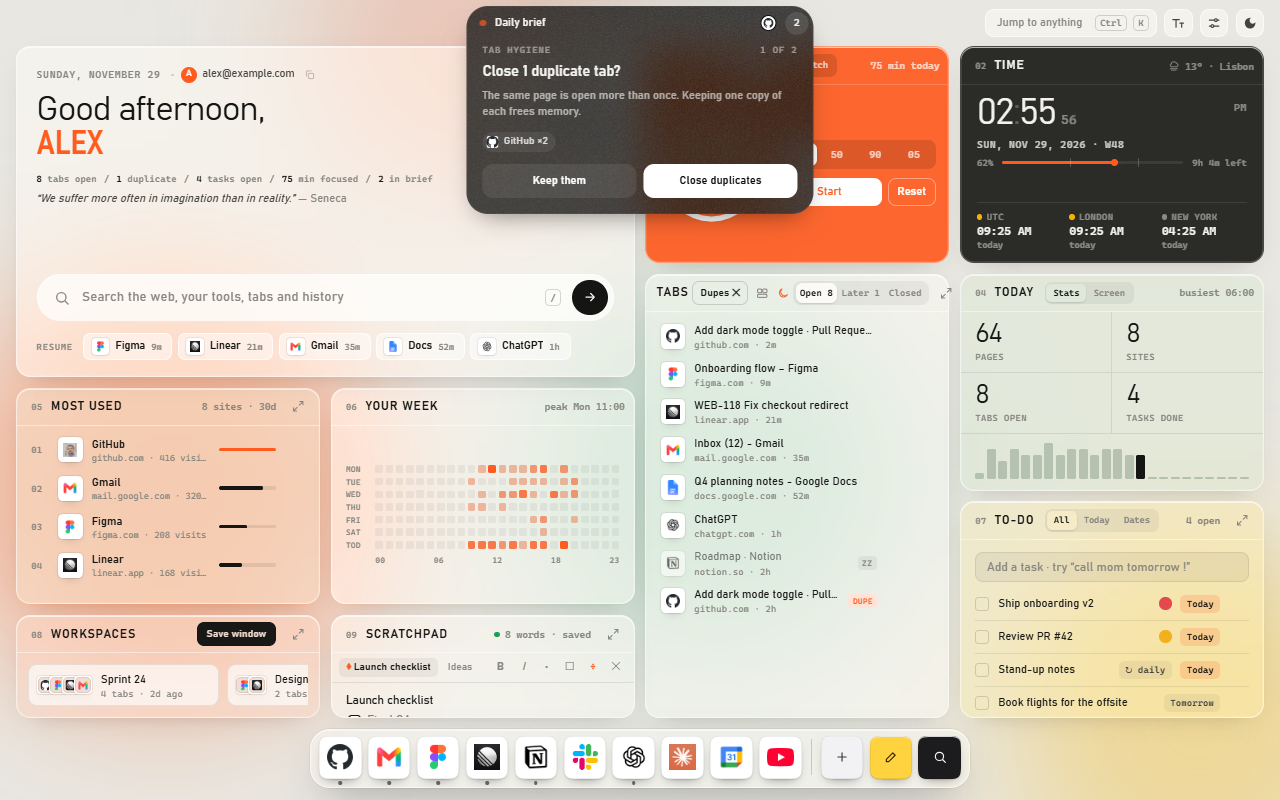
The real board, with demo data. It follows the light / dark switch in the notch.
Every tool, one click away.
If a tool is already open, a click switches to that tab instead of opening a duplicate. A dot shows what’s running.
↑ Move your pointer across it. Click one.
Everything you open
a tab for.
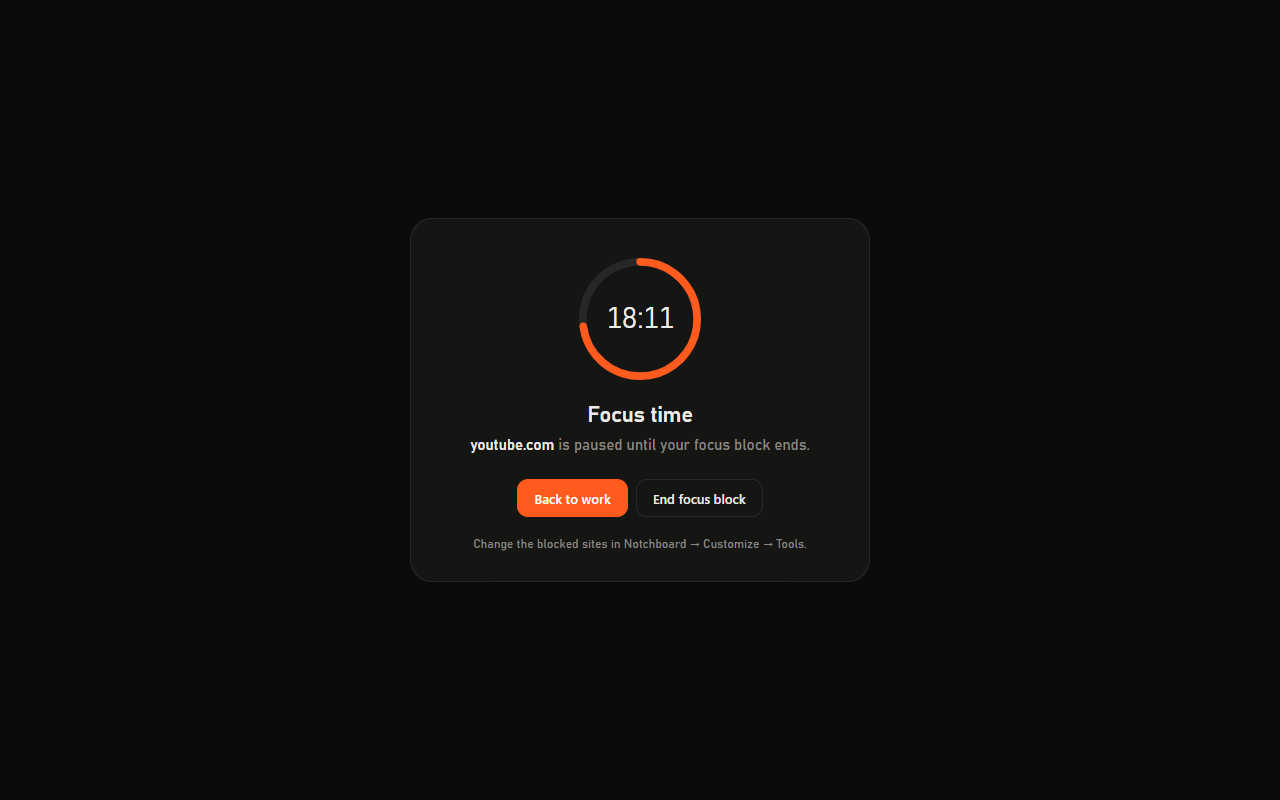
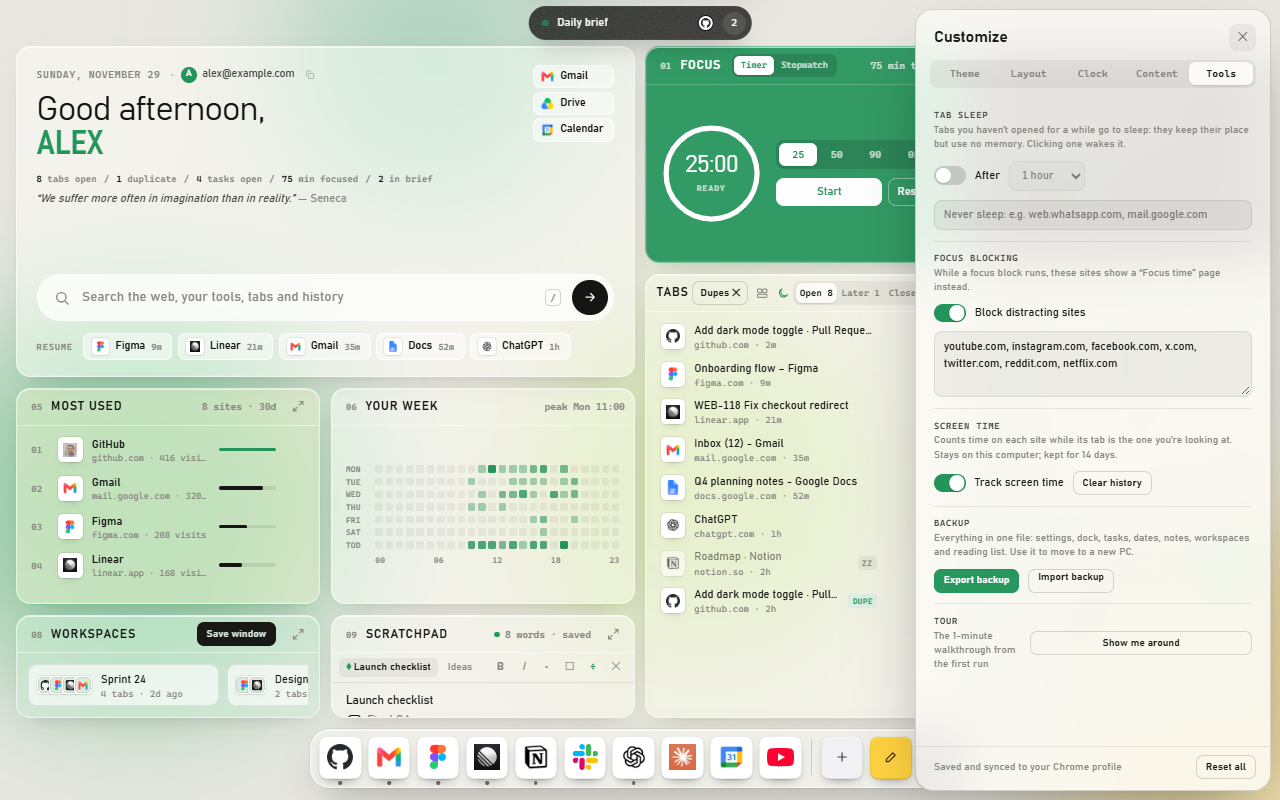
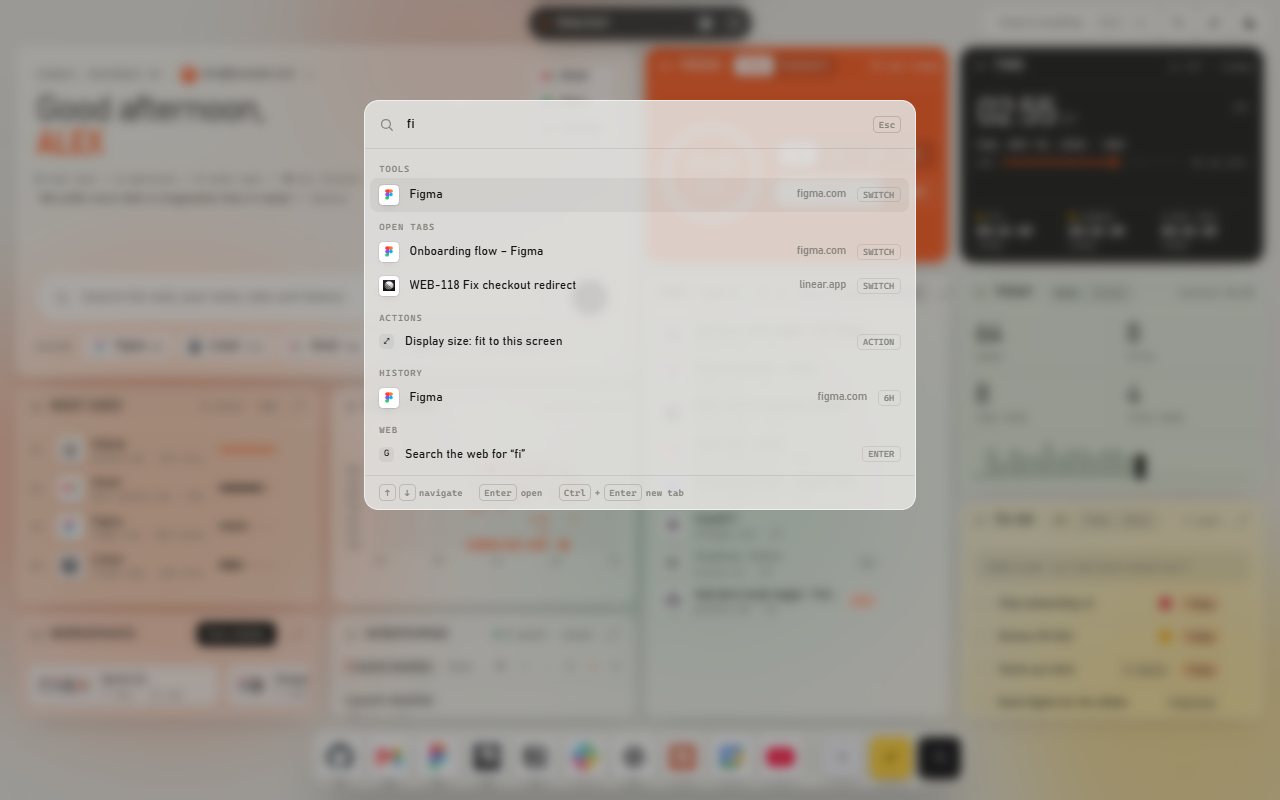
Type it the way you’d say it.
Notchboard’s to-dos read dates, repeats and priority from plain words. This box runs the same rules. Go ahead.
Pick a colour. Watch the page.
Eight palettes, or any colour
In the extension this recolours the whole board. Here, it recolours this page.
One of four clock styles: words
Up and running in under a minute.
The same steps work in Chrome, Edge, Brave and other Chromium browsers.
Download and unzip
Get the ZIP and unzip it. You’ll have a folder called notchboard.
Open extensions
Paste this in the address bar:
Load unpacked
Turn on Developer mode, click Load unpacked, and choose the notchboard folder.
Open a new tab
That’s it. If Chrome asks, choose Keep it. A short tour shows you around.
What Notchboard knows about you.
Everything stays in your browser. Weather and the daily photo are optional and off until you turn them on. Read the privacy policy.